





.webp)
.webp)
.webp)
.webp)
.webp)
.webp)



GSAP and custom code
Flip-based hero resize on scroll (GSAP Flip + ScrollTrigger)
This template uses a small GSAP script to create a smooth “morph” effect between two elements as you scroll - without manually keyframing positions frame-by-frame.
At a high level, the script:
- Measures an “origin” element (the start size and position)
- Temporarily fits the “target” element to match the origin
- Captures that fitted layout as a Flip state
- Restores the target to its natural CSS layout
- Animates from the captured state back to the natural state, scrubbed to scroll
The result: the target appears to grow/shift from the origin’s spot into its final layout as the user scrolls.
What you see
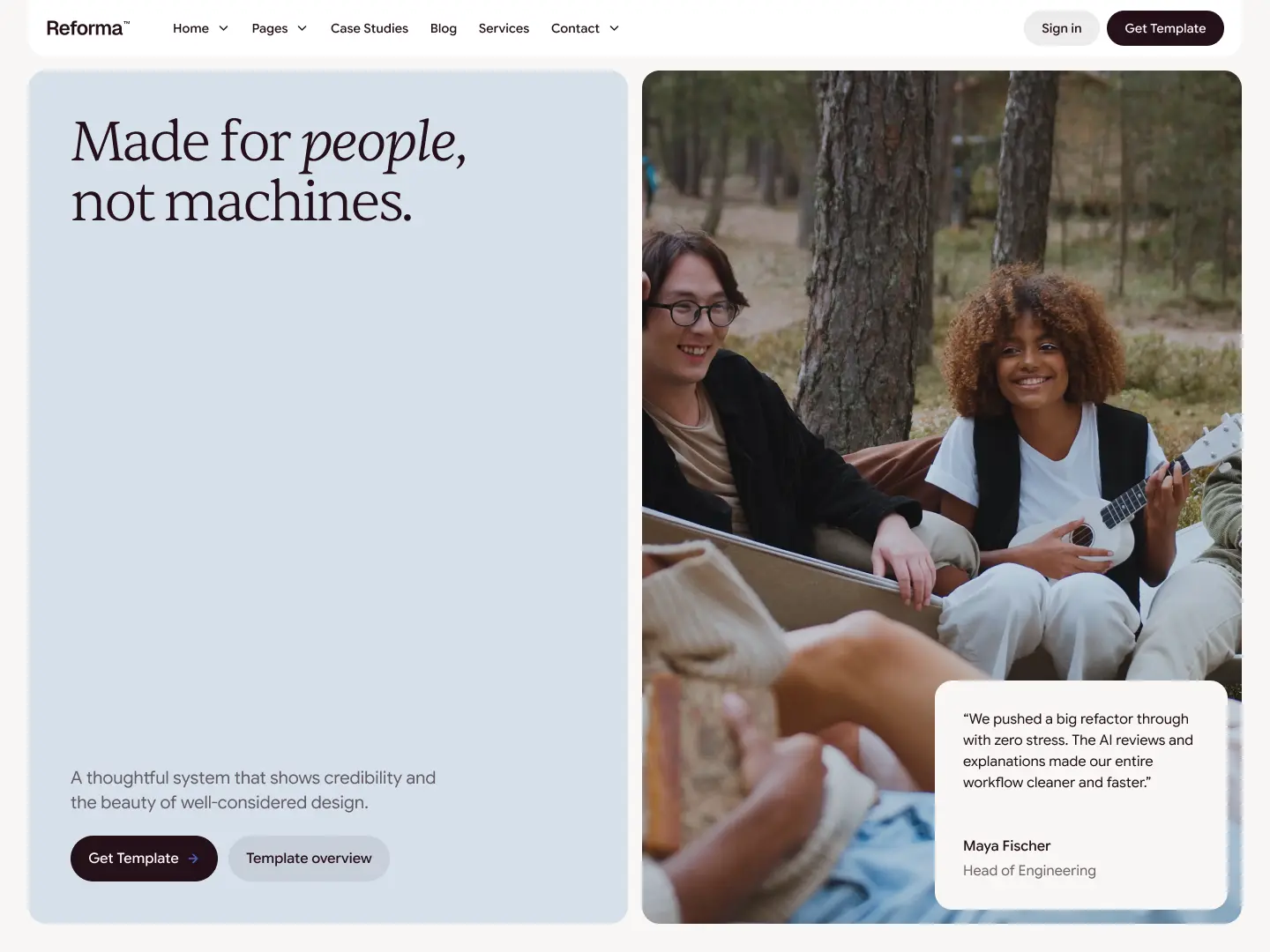
A hero element visually starts in the same position and dimensions as a smaller element (origin), then transitions into its real layout (target) as you scroll through the hero.
How it works (high level)
- The script runs on DOMContentLoaded.
- It registers GSAP plugins: Flip and ScrollTrigger.
- It finds two elements by attributes:
- [data-flip-origin] (the reference element)
- [data-flip-target] (the element that will animate)
- It uses Flip.fit() to make the target look like it’s sitting exactly where the origin is (same size and position).
- It captures that “fitted” state with Flip.getState().
- It clears any temporary inline styles.
- It plays Flip.from(state) tied to scroll via ScrollTrigger with scrub: true.
Key detail: no transform scaling
This setup uses scale: false, which means:
- The transition uses width/height changes rather than transform: scale()
- That keeps typography and borders looking crisper and avoids the “scaled UI” look
Elements and attributes required
You need exactly two elements on the page:
- Origin element (start reference)
- Add the attribute:
- data-flip-origin
- Target element (the one that animates)
- Add the attribute:
- data-flip-target
Notes:
- Only the first match of each attribute is used.
- If either one is missing, the script exits and nothing runs.
ScrollTrigger section trigger
The animation is controlled by this ScrollTrigger:
- trigger: “.section_hero-home-a”
- start: “top top”
- end: “center center”
- scrub: true
This means:
- Animation starts when the hero section hits the top of the viewport
- Animation finishes when the hero’s center reaches the viewport’s center
- Scrub ties progress directly to scroll position
If you rename your hero section class, update this line:
- trigger: “.section_hero-home-a”
Where the code lives
Add the script once, globally:
- Page Settings (or Site Settings) -> Custom Code
- Place it in Before (Footer code)
Because it’s global, it automatically works on any page that includes elements with:
- data-flip-origin
- data-flip-target
You do not need to duplicate this code per page or section.
How to adjust the feel
You’ll usually tweak these parts:
- Scroll range (most common)
- start: “top top”
- end: “center center”
Examples:
- Make it finish sooner:
- end: “top center”
- Make it finish later:
- end: “bottom center”
- Make it start later:
- start: “top 20%”
- The trigger element
- If the hero wrapper changes, update:
- trigger: “.section_hero-home-a”
- Easing
- It’s set to ease: "none" on purpose so scroll feels 1:1. If you want a slightly smoother feel, you can try something else, but it can fight the scrubbed behavior.
Important requirements
- GSAP must be loaded on the page
- Flip and ScrollTrigger plugins must be available
- The script registers both plugins:
- gsap.registerPlugin(Flip, ScrollTrigger);
If GSAP or plugins are missing, the animation won’t work.
Important notes
- This effect is optional but designed as a signature interaction.
- No Webflow Interactions are involved here - this is direct GSAP control.
- invalidateOnRefresh: true is enabled, so it recalculates on resize and refresh (important for responsive layouts).
- If you use multiple instances on a page, this exact code will only animate the first origin/target pair. If you ever need multiple Flip pairs, the script needs to be expanded to loop through sets.
If you don’t want this effect (optional)
You have two clean options:
Option A - Remove the attributes
- Remove data-flip-origin and/or data-flip-target
- The script will exit automatically because it can’t find both elements
Option B - Remove the code
- Delete the script from the Footer code area
- No other parts of the template depend on it
Below is the full code used in Reforma™ (as-is)
<script>
document.addEventListener("DOMContentLoaded", () => {
  gsap.registerPlugin(Flip, ScrollTrigger);

  const origin = document.querySelector("[data-flip-origin]");
  const target = document.querySelector("[data-flip-target]");

  if (!origin || !target) return;

  // Start target visually at origin dimensions/position
  Flip.fit(target, origin, {
    absolute: true,
    scale: false   // <-- key change
  });

  // Capture that layout state
  const state = Flip.getState(target);

  // Return target to its natural CSS width/height
  gsap.set(target, { clearProps: "all" });

  // Animate from captured layout -> natural layout
  Flip.from(state, {
    absolute: true,
    scale: false,        // <-- use width/height instead of transform scale
    ease: "none",
    immediateRender: true,
    scrollTrigger: {
      trigger: ".section_hero-home-a",
      start: "top top",
      end: "center center",
      scrub: true,
      invalidateOnRefresh: true
      // markers: true
    }
  });
});
</script>